Jammer Deals | Affordable Picks | Free Shipping
Your privacy is our top concern! We offer dependable solutions to safeguard you from unauthorized monitoring, ensuring your confidentiality in any setting.
Jammer Deals | Affordable Picks | Free Shipping
Your privacy is our top concern! We offer dependable solutions to safeguard you from unauthorized monitoring, ensuring your confidentiality in any setting.
A drone depends on radio signals for functions such as remote control, telemetry, and, on some models, satellite navigation. A drone signal blocker device transmits radio-frequency energy that can interfere with compatible wireless links when its signal overlaps the relevant frequencies.
The effect depends on the quadcopter’s communication system, the frequencies involved, antenna characteristics, and surrounding conditions; disrupting one link does not necessarily affect every function of the aircraft.
Drone UAV jammers come in different configurations, with some targeting specific radio bands and others supporting multiple frequency ranges. Antenna design and output power also influence how radio-frequency interference behaves under different conditions.
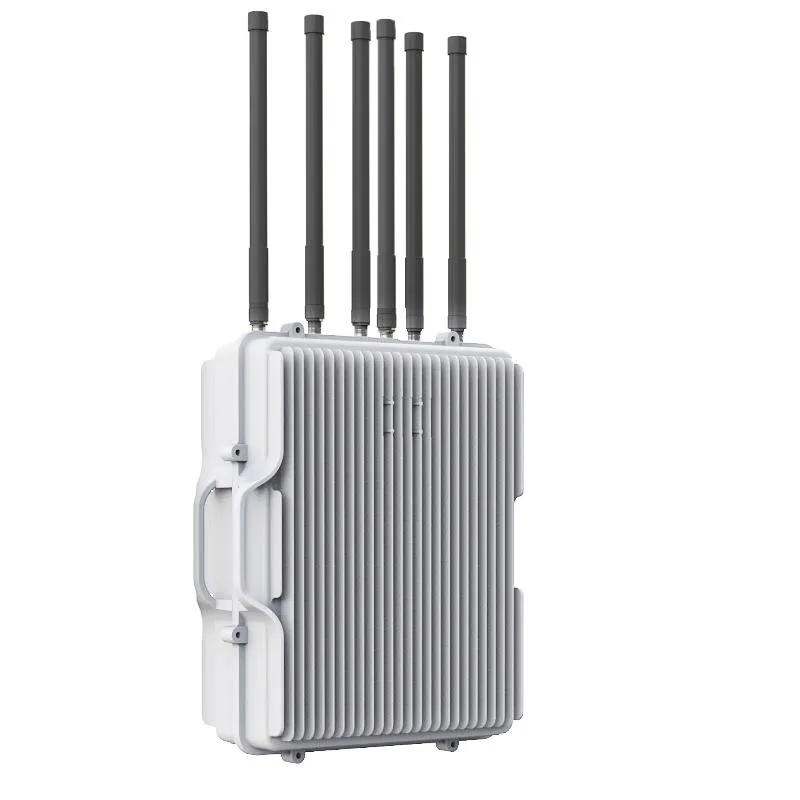
Dr-W6 180W anti-drone signal blocker supports 6 frequency bands including GPS L1, WiFi and RC signals, with heat dissipation system and 1.5km operating distance.
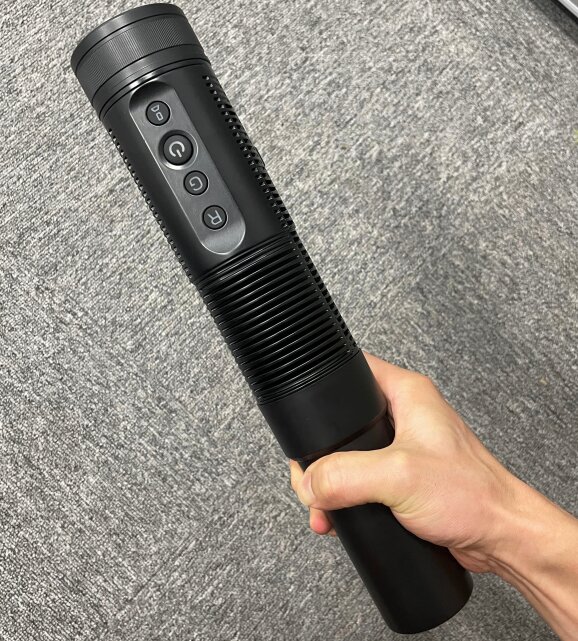
J-2D 6 frequency FPV system signal blocker with tactical flashlight design, 500m range, IP65 protection, directional antenna, and rechargeable battery for UAV signal blocking.
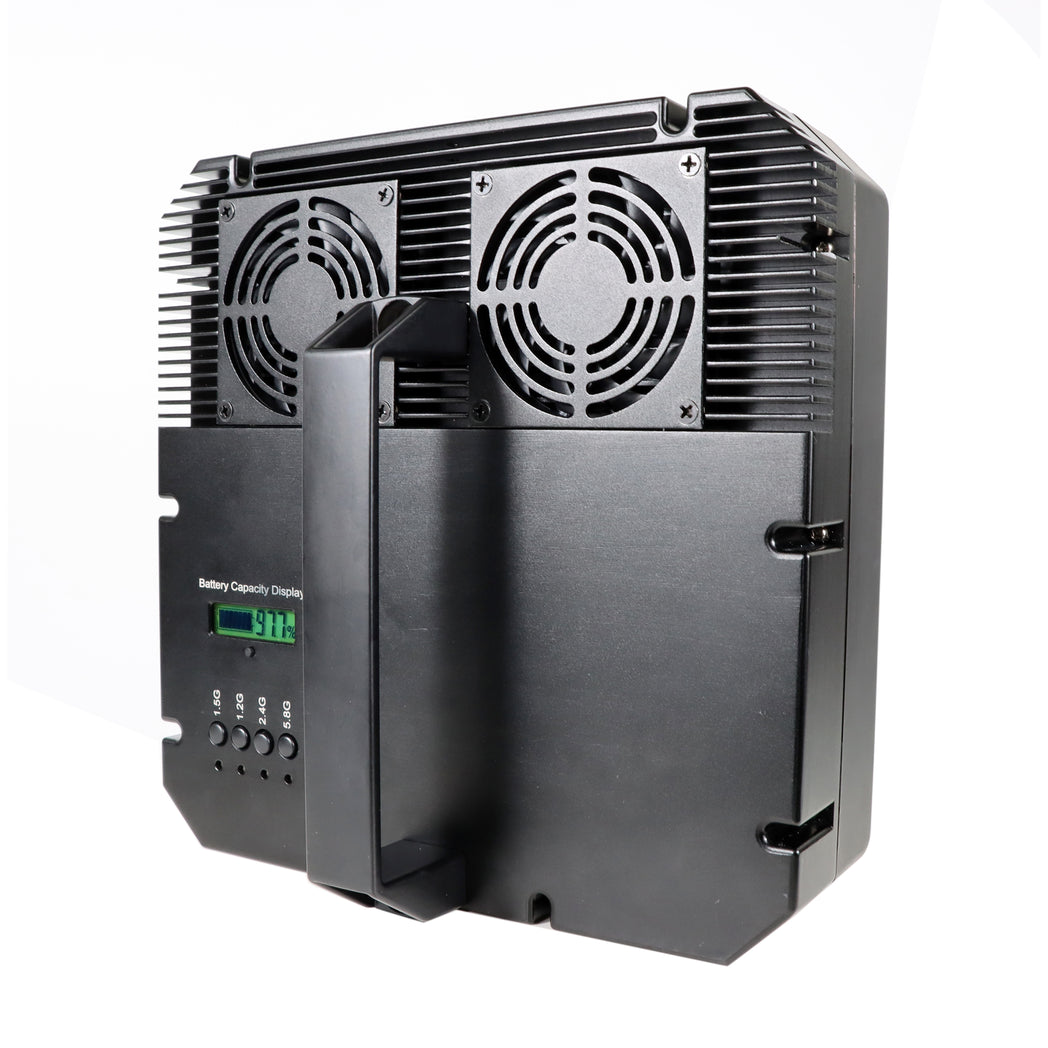
The HDR-5 is a high-power drone jammer with a directional antenna, capable of autonomously disrupting five key UAV frequency bands (incl. GPS and RC signals) up to 1500 m, with a total output of 70 W.
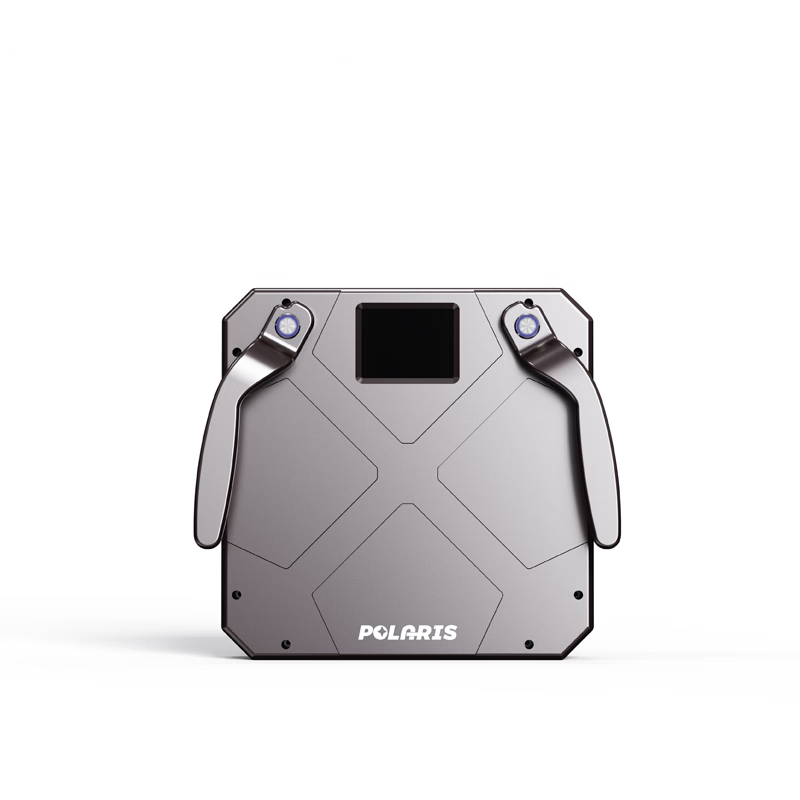
Dr-6P Handheld anti-drone jamming equipment features 150W output, 2km range, 6 frequency bands, GPS L1/L2 and WiFi 2.4G/5.8G blocking, touchscreen control and battery operation.
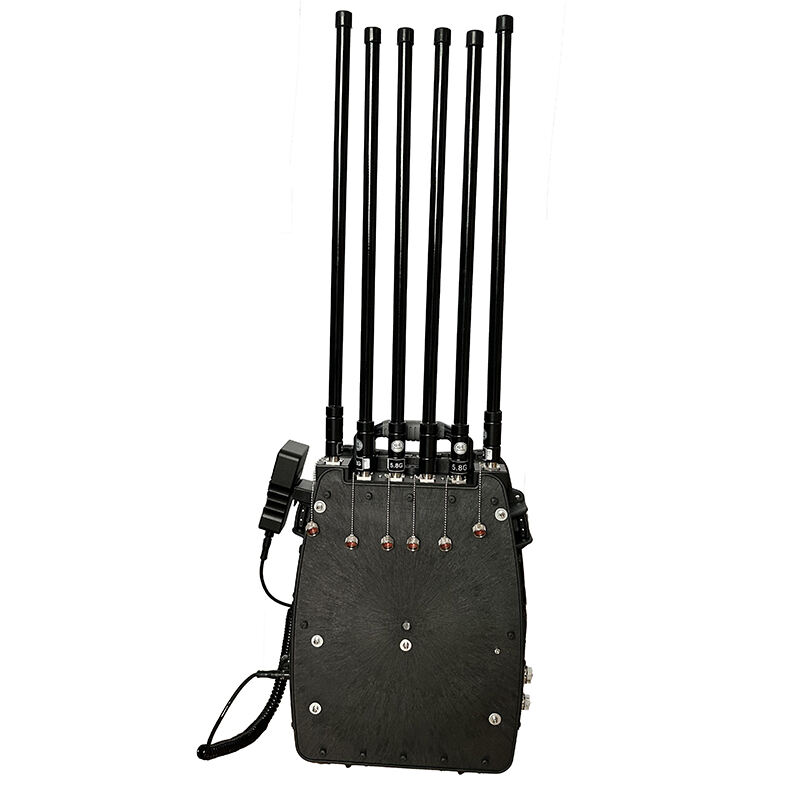
Quadcopter jammer with 300W multi-band architecture, 4V/20Ah battery support, 60-minute runtime, 6 frequency bands, 6 high-gain antennas, and 1500–2000m field range with stable cooling and adjustable power control.
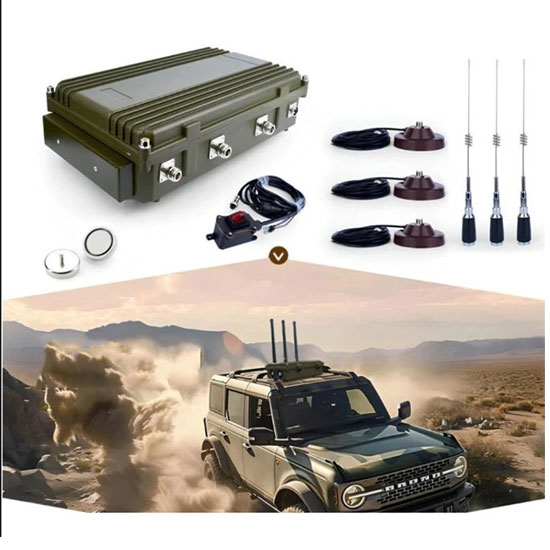
C-DR3 150W UAV frequency jammer for car can blocks GPS L1, 2.4GHz and 5.8GHz signals with 300–800m range. Features magnetic omnidirectional antennas, shock-absorbing mount and dual cooling fans.
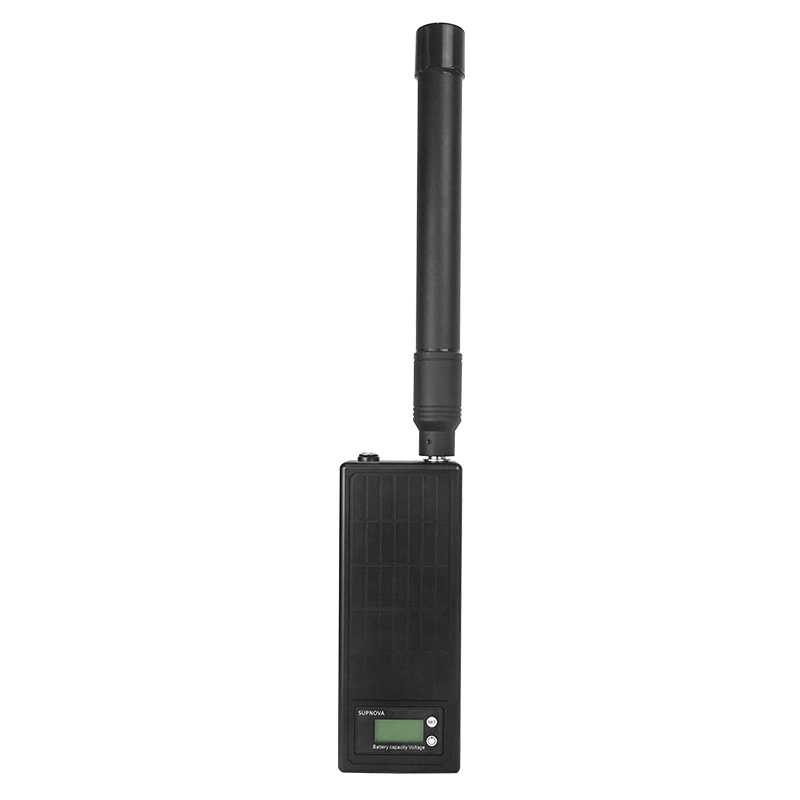
Single-antenna 50W anti-drone signal jamming device with 1.5KM range, built with aviation aluminum housing, 3dBi omnidirectional antenna, LCD monitoring, and 1-hour battery life for stable field operation.
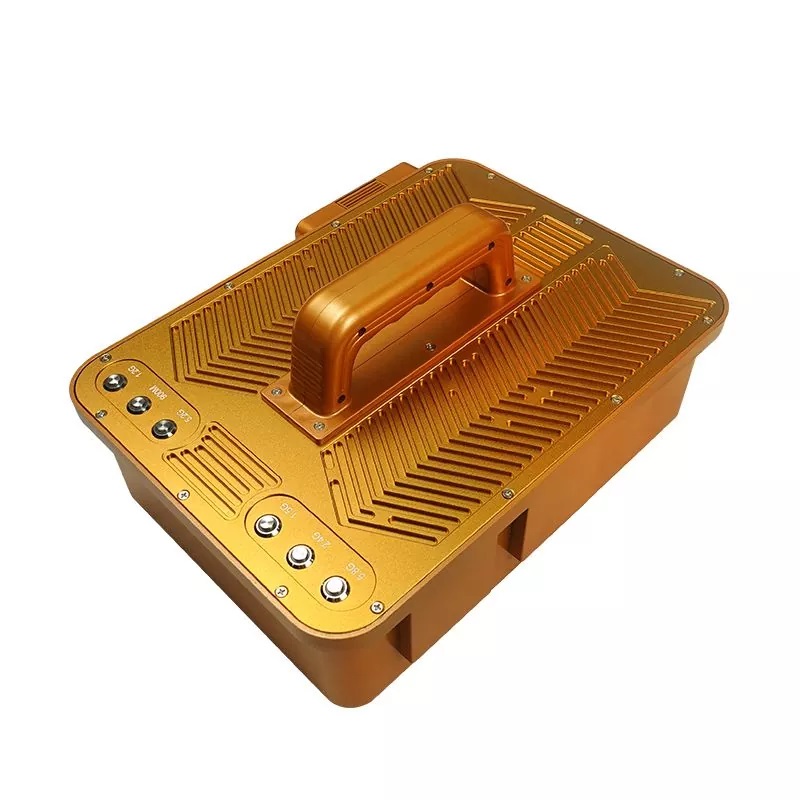
Dr-H6 high-power drone signal jammer features gold aluminum alloy shell, dense heat dissipation ridges and hot-swappable battery. 200W independent multi-band output, 1500–3000m range, suitcase portable design for outdoor anti-drone security.
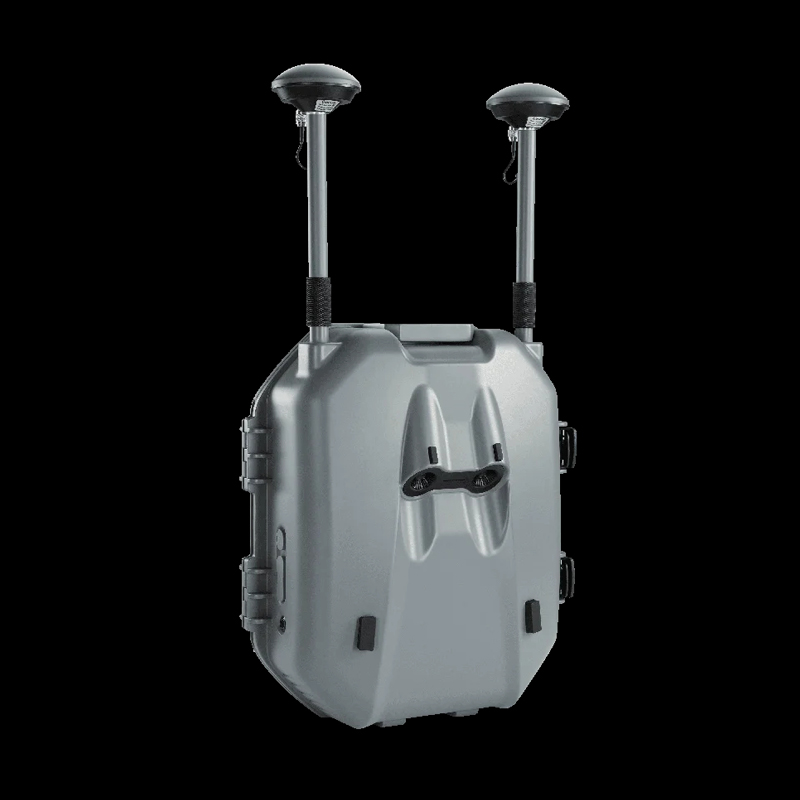
The GSH-Q is a wireless device that spoofs GPS signals to disrupt UAV navigation, preventing unauthorized drone flights in restricted areas. It supports major GNSS systems, integrates with radar, and offers flexible jamming strategies for effective drone control.
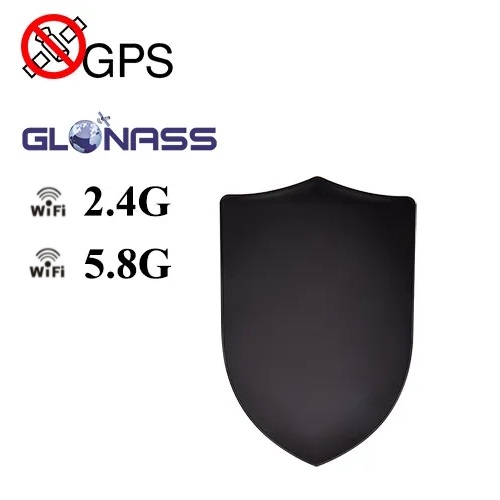
J-D2000 55W long range FPV system signal blocker shield with up to 2km range. Supports WiFi 2.4GHz, 5.8GHz, GPS L1 and GLONASS L1 signal interference. Features aluminum alloy housing, rechargeable battery and directional design.
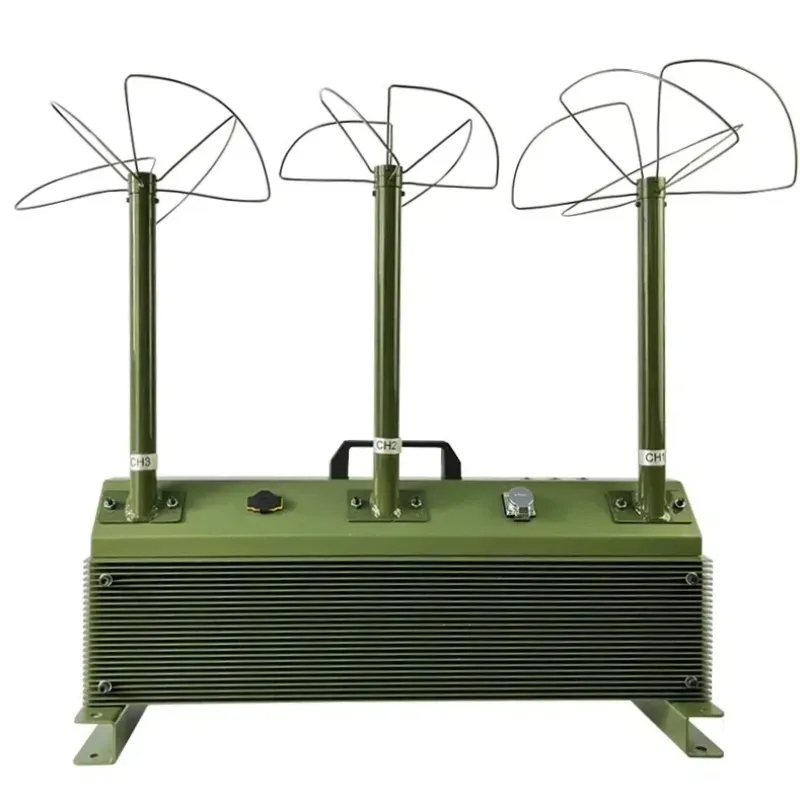
T-FP3 is a 150W anti-drone signal blocker featuring three triangular leaf antennas, 50W output per channel, vertical-angle coverage design, aluminum heat dissipation structure.
Not sure which Signal Jammer suits your needs?
On a limited budget and looking for the best option?
Need a Cell Jammer with a specific blocking range?
Looking to customize a special jammer Blocker?
I received the jammer, but I think it has a problem...
....
Don't hesitate to ask us, You will get the answer in the shortest possible time.
+1 (315)313-4081
1.Please install the antenna before using the signal jammers
2.Most Portable cell phone jammers have dip switches on the side. After turning on the main power switch, activate the dip switch—the red or green light will indicate it's on. Each switch controls a specific signal (Refer to the frequency table on the packaging for details).
3.Avoid using the jammer while charging.
....