Jammer Deals | Affordable Picks | Free Shipping
Your privacy is our top concern! We offer dependable solutions to safeguard you from unauthorized monitoring, ensuring your confidentiality in any setting.
Jammer Deals | Affordable Picks | Free Shipping
Your privacy is our top concern! We offer dependable solutions to safeguard you from unauthorized monitoring, ensuring your confidentiality in any setting.
Frequency range is one of the key specifications users check when shopping anti-drone signal blockers. Different UAV systems may use different communication bands, so users usually want to know whether a model matches the quadcopter type they are concerned about and whether the listed specifications provide enough frequency details.
This category includes uav frequency jammer models with different frequency configurations, covering common UAV-related bands such as 2.4GHz, 5.8GHz, and other available frequency options depending on the model.
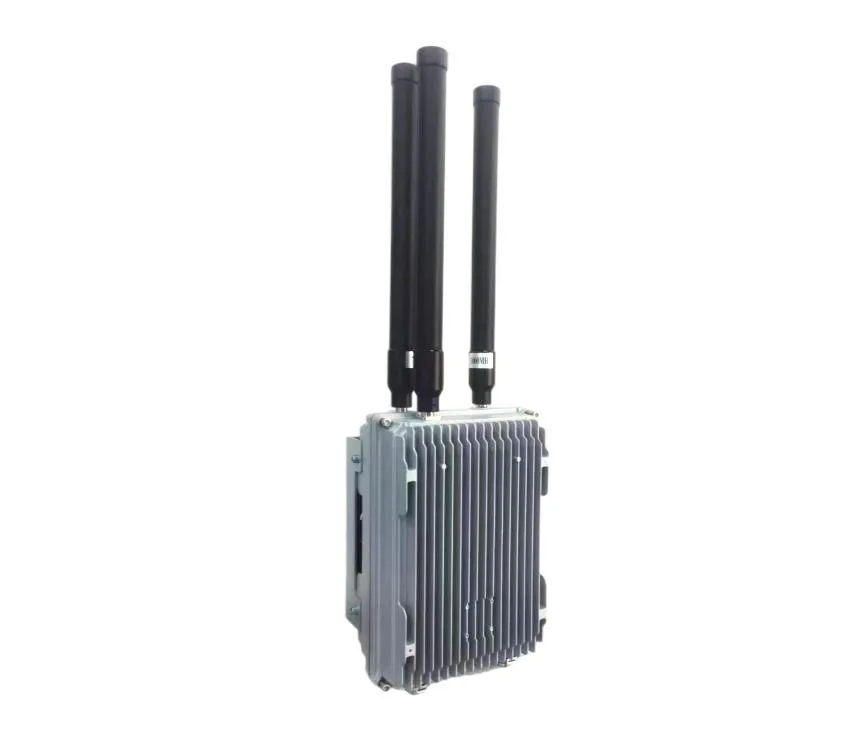
J-DR3 150W high power FPV system signal blocker with 915MHz, 2.4GHz and 5.8GHz triple-band frequency support. Featuring 800-1500m range and fin-style cooling.
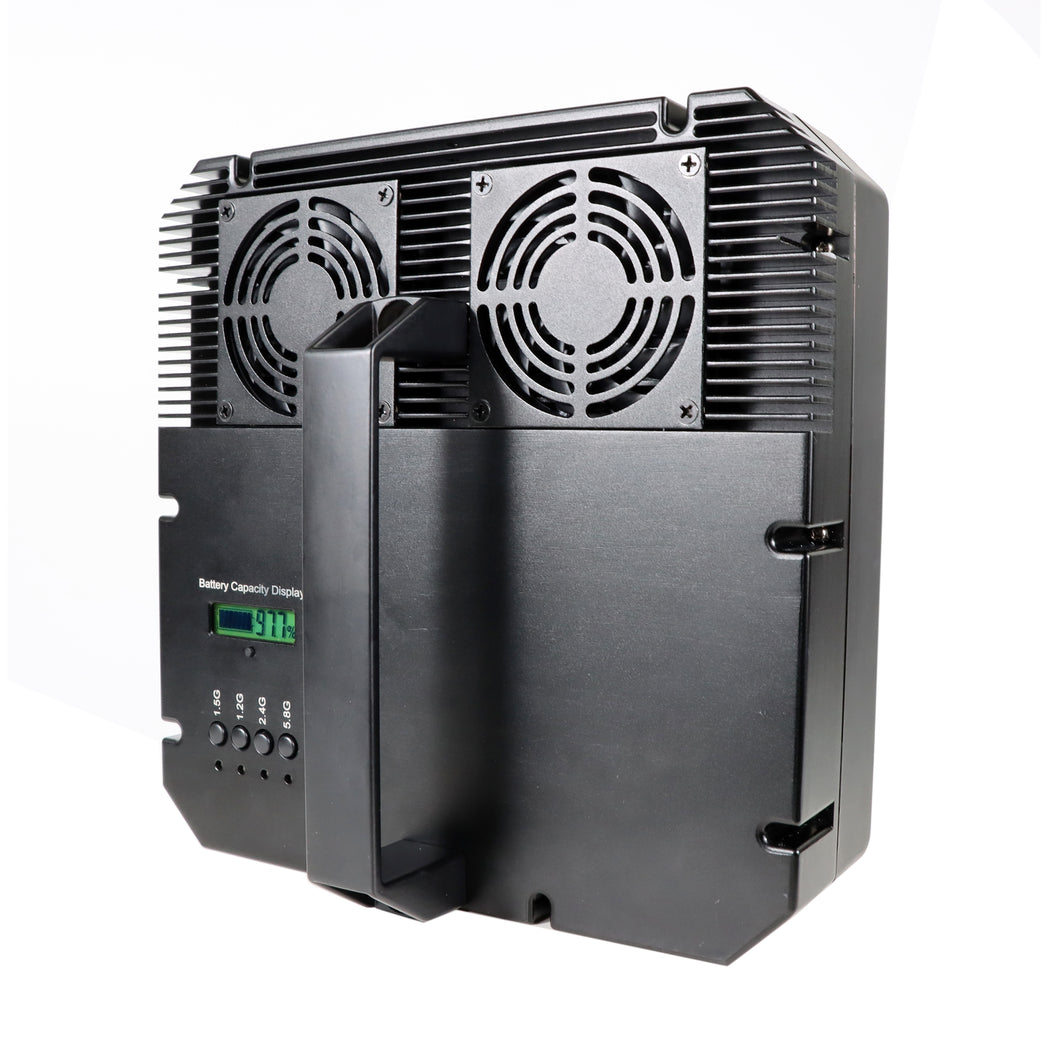
The HDR-5 is a high-power drone jammer with a directional antenna, capable of autonomously disrupting five key UAV frequency bands (incl. GPS and RC signals) up to 1500 m, with a total output of 70 W.

The B-DR4 portable drone jammer blocks drone control, data transmission, and navigation within a 1000 meters range. With a 30,000 mAh battery, rugged waterproof housing, and active cooling, it ensures reliable, continuous operation even in harsh outdoor conditions.

T-FPV-8 360W the device that jams drone for car with 3-8 dBi omnidirectional antennas, IP65 protection, magnetic roof mounting, and AC/DC power input.

The T-FPV-3 is a 3-band drone jammer for military vehicles, disrupting UAV signals across 600–960 MHz to protect both equipment and personnel in electronic warfare.
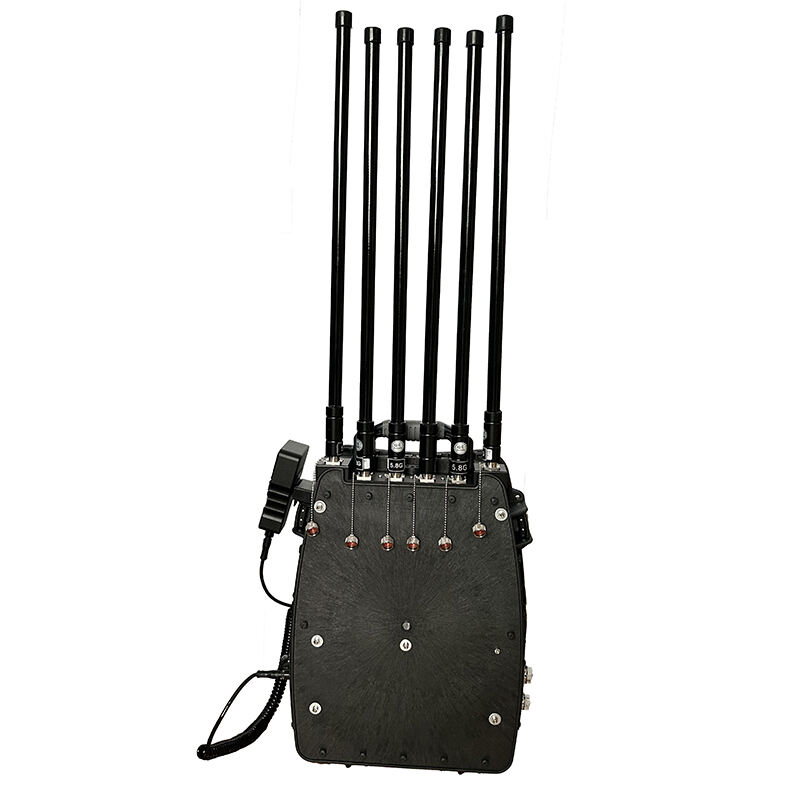
Quadcopter jammer with 300W multi-band architecture, 4V/20Ah battery support, 60-minute runtime, 6 frequency bands, 6 high-gain antennas, and 1500–2000m field range with stable cooling and adjustable power control.

P-SC40 Handheld UAV frequency jammer features 40W output power, 840–930MHz frequency coverage, built-in 5800mAh battery, 90-minute runtime, magnetic antenna mount, and IP67 aluminum alloy housing.
Not sure which Signal Jammer suits your needs?
On a limited budget and looking for the best option?
Need a Cell Jammer with a specific blocking range?
Looking to customize a special jammer Blocker?
I received the jammer, but I think it has a problem...
....
Don't hesitate to ask us, You will get the answer in the shortest possible time.
+1 (315)313-4081
1.Please install the antenna before using the signal jammers
2.Most Portable cell phone jammers have dip switches on the side. After turning on the main power switch, activate the dip switch—the red or green light will indicate it's on. Each switch controls a specific signal (Refer to the frequency table on the packaging for details).
3.Avoid using the jammer while charging.
....