Jammer Deals | Affordable Picks | Free Shipping
Your privacy is our top concern! We offer dependable solutions to safeguard you from unauthorized monitoring, ensuring your confidentiality in any setting.
Jammer Deals | Affordable Picks | Free Shipping
Your privacy is our top concern! We offer dependable solutions to safeguard you from unauthorized monitoring, ensuring your confidentiality in any setting.
WiFi jammer price can vary quite a bit, and the number on the product page only tells part of the story. Frequency support, output power, antenna configuration, operating range, battery or AC power, and portable or desktop format can all affect the final price.
A basic 2.4GHz wireless network blocker naturally sits in a different price range from a multi-band unit covering 2.4GHz and several 5GHz ranges.
So, what are you actually paying for? That depends on the specifications that matter to you. Check the supported WiFi bands, power, antenna setup, range, and power source alongside the price before comparing models. This makes it much easier to tell whether a lower-priced WiFi blocker matches your requirements or whether a higher-priced configuration offers specifications you actually need.
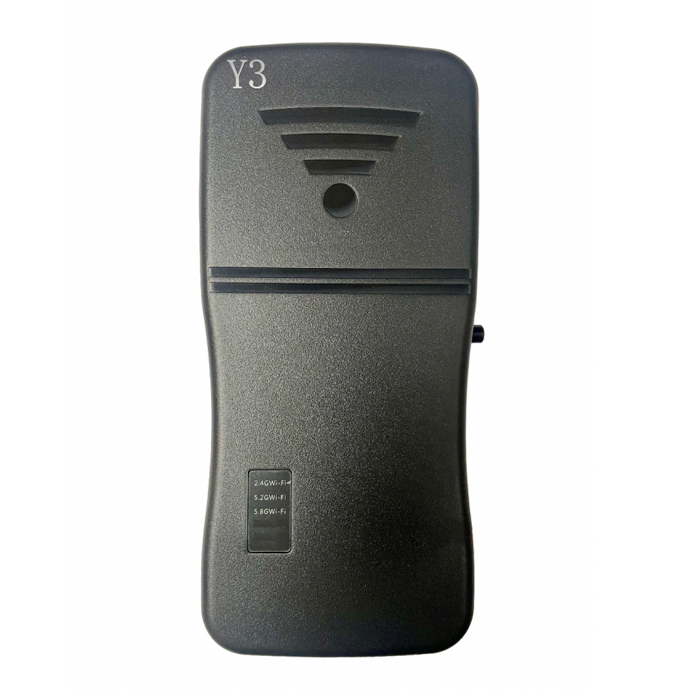
The W-Y3 is an upgraded pocket WiFi jammer that blocks 2.4GHz and 5GHz Wi-Fi signals and Bluetooth. It features easy plug-and-play use, a built-in rechargeable battery, and compact design.
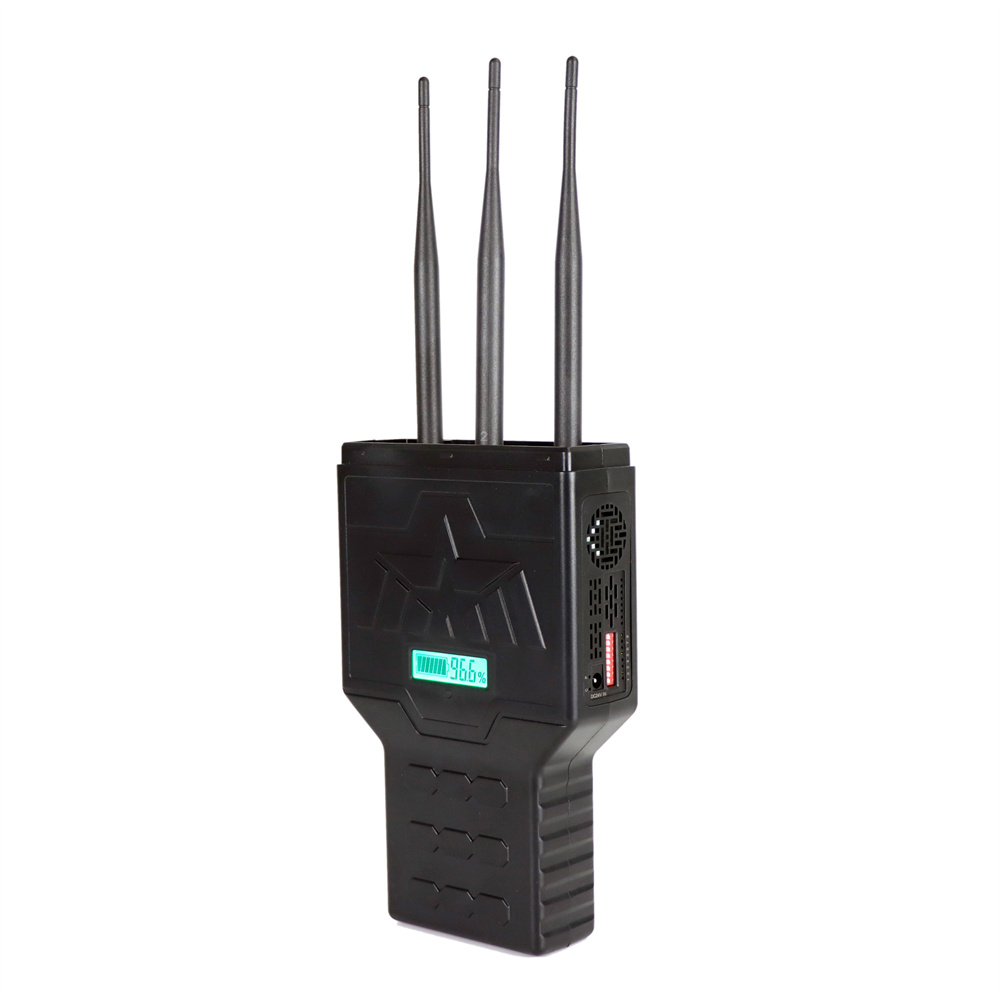
Compact portable wireless signal jammers featuring 6W output power, up to 40m interference range, built-in 3000mAh battery, LCD status display, and multi-band support for 2.4GHz, 5.2GHz, and 5.8GHz networks. Designed with efficient cooling system and adjustable DIP switch control for stable long-duration operation.
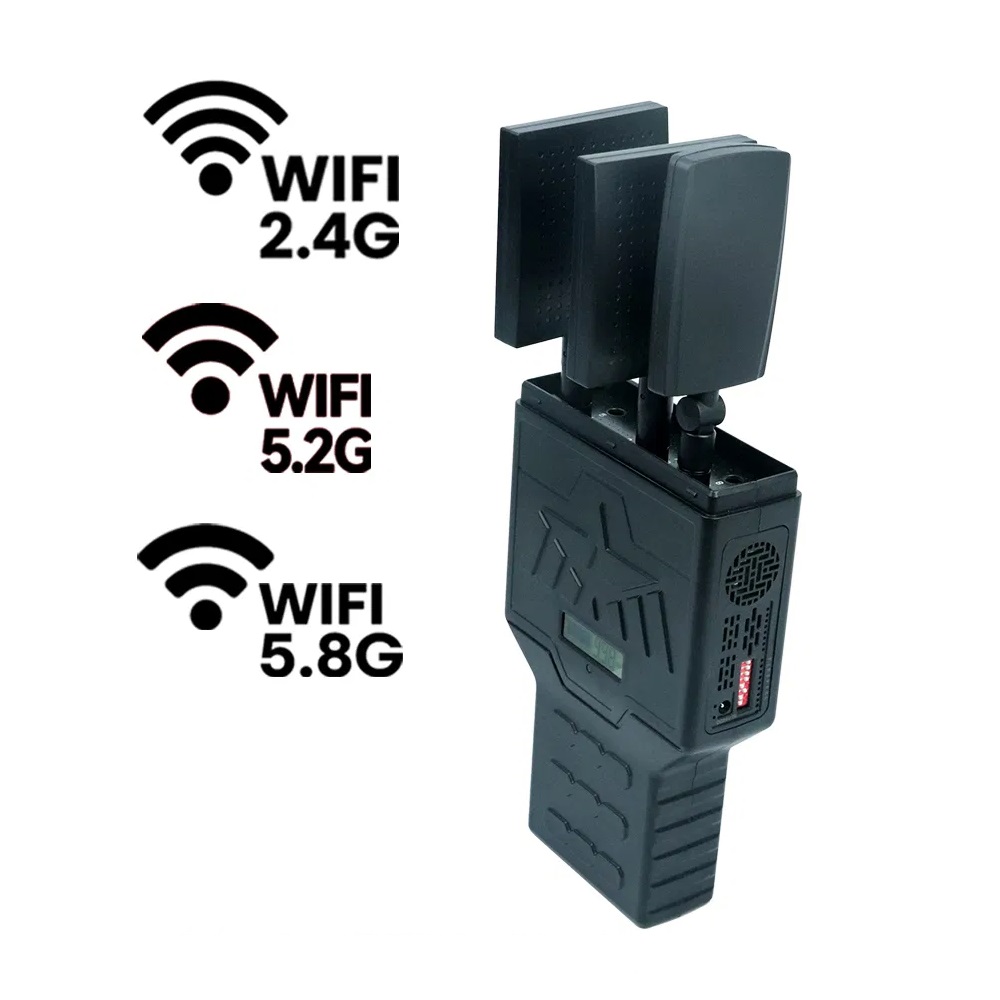
With 12W total output power, the wireless network blocker with three directional panel antennas, 2.4GHz, 5.2GHz and 5.8GHz coverage, independent band switches, rechargeable battery and real-time monitoring.
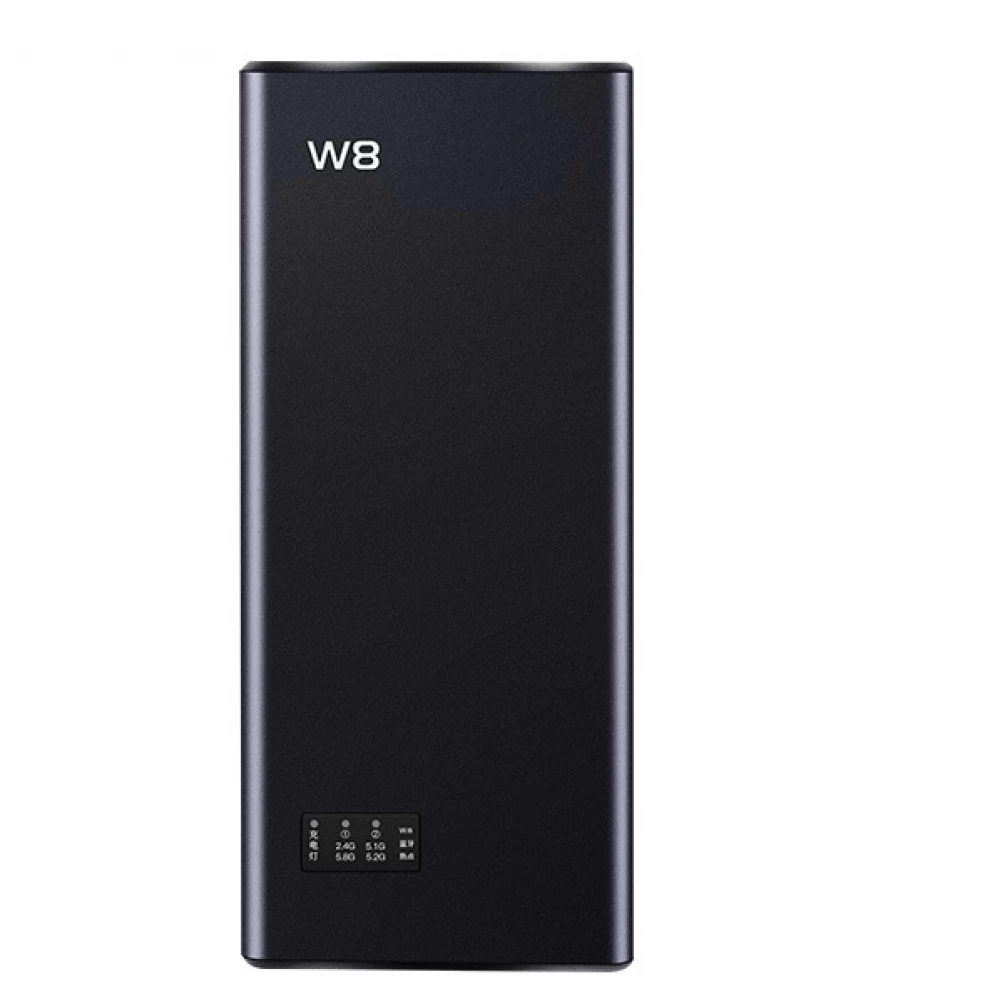
The W8 jammer helps control WiFi and Bluetooth access, blocking 2.4 GHz and 5.1-5.8 GHz signals with a 5-10m range. Compact and discreet, it operates 24/7 while charging.
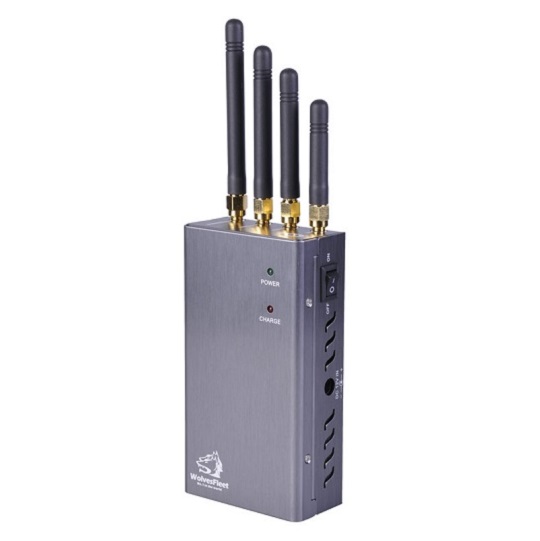
The P-VN4 is a powerful 4-antenna jammer that blocks wireless video signal (980-2500 MHz) up to 15m, featuring active cooling, portability, and dual charging options.
Not sure which Signal Jammer suits your needs?
On a limited budget and looking for the best option?
Need a Cell Jammer with a specific blocking range?
Looking to customize a special jammer Blocker?
I received the jammer, but I think it has a problem...
....
Don't hesitate to ask us, You will get the answer in the shortest possible time.
1.Please install the antenna before using the signal jammers
2.Most Portable cell phone jammers have dip switches on the side. After turning on the main power switch, activate the dip switch—the red or green light will indicate it's on. Each switch controls a specific signal (Refer to the frequency table on the packaging for details).
3.Avoid using the jammer while charging.
....