Jammer Deals | Affordable Picks | Free Shipping
Your privacy is our top concern! We offer dependable solutions to safeguard you from unauthorized monitoring, ensuring your confidentiality in any setting.
Jammer Deals | Affordable Picks | Free Shipping
Your privacy is our top concern! We offer dependable solutions to safeguard you from unauthorized monitoring, ensuring your confidentiality in any setting.
Most WiFi blocker apks only control network access on a phone or manage connected devices, rather than affecting WiFi transmission itself. They may appear to offer a simple and low-cost way to block WiFi, but these apps cannot change how WiFi signals travel through a physical area or work as a true network jammer.
When actual WiFi signal blocking is required, a hardware wireless signal jammer device works through RF technology to jamming with wireless frequencies within a certain range.
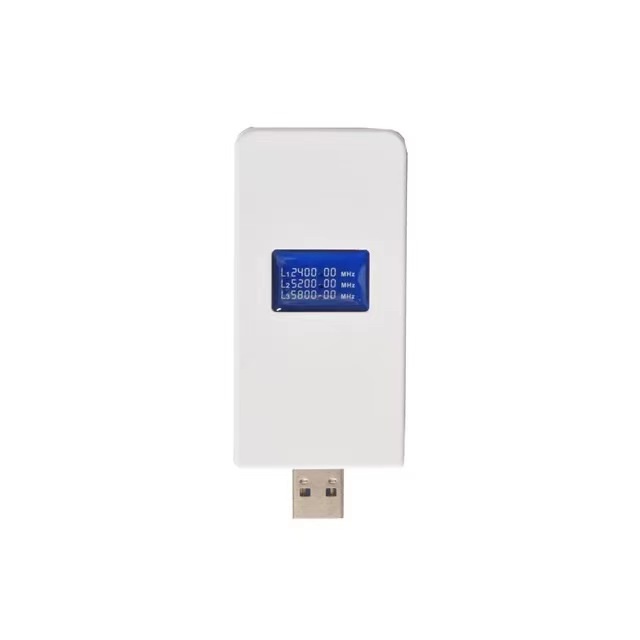
W6Pro USB WiFi Internet signal Jammer designed for short-range environments. Jams 2.4G and 5GHz bands with a discreet form factor and flexible power options.
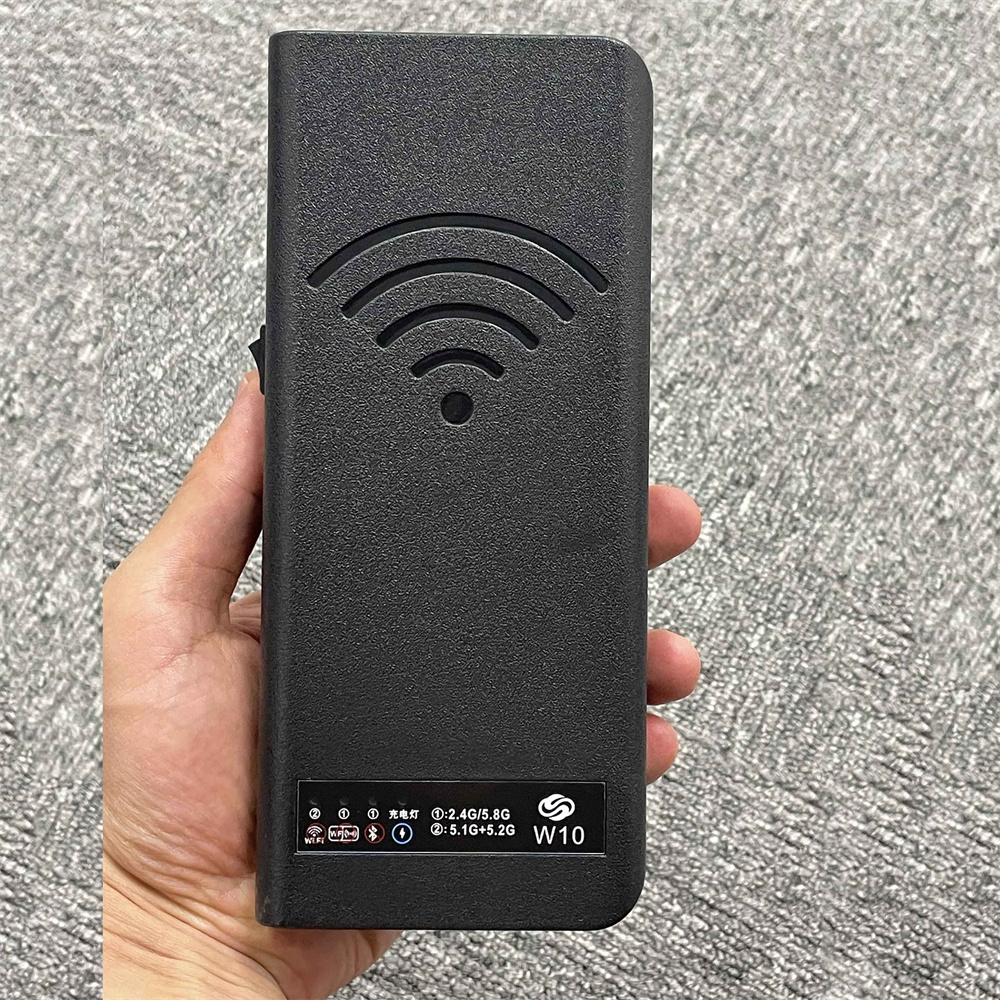
W10 WiFi jamming device with dual switch control supports 2.4GHz, 5.1GHz, 5.2GHz, and 5.8GHz bands. Features 4W output power, built-in antennas, dual cooling fans, and rechargeable battery.
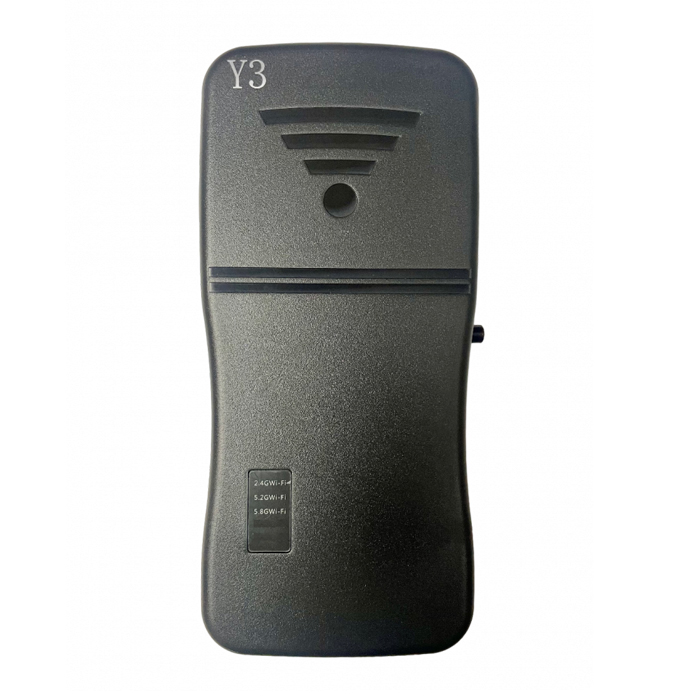
The W-Y3 is an upgraded pocket WiFi jammer that blocks 2.4GHz and 5GHz Wi-Fi signals and Bluetooth. It features easy plug-and-play use, a built-in rechargeable battery, and compact design.
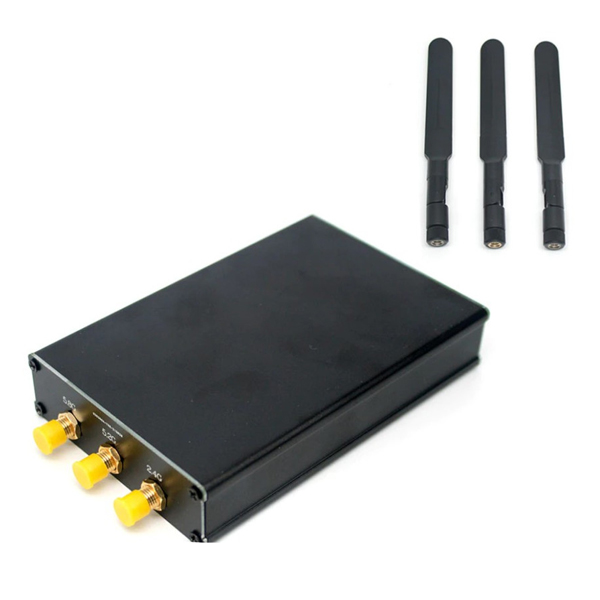
Wireless camera blocker supports 2.4GHz, 5.2GHz and 5.8GHz bands with 6–10m coverage. Features USB-A emergency power output, LED status indicator and DC 5V operation.
Not sure which Signal Jammer suits your needs?
On a limited budget and looking for the best option?
Need a Cell Jammer with a specific blocking range?
Looking to customize a special jammer Blocker?
I received the jammer, but I think it has a problem...
....
Don't hesitate to ask us, You will get the answer in the shortest possible time.
+1 (315)313-4081
1.Please install the antenna before using the signal jammers
2.Most Portable cell phone jammers have dip switches on the side. After turning on the main power switch, activate the dip switch—the red or green light will indicate it's on. Each switch controls a specific signal (Refer to the frequency table on the packaging for details).
3.Avoid using the jammer while charging.
....