Jammer Deals | Affordable Picks | Free Shipping
Your privacy is our top concern! We offer dependable solutions to safeguard you from unauthorized monitoring, ensuring your confidentiality in any setting.
Jammer Deals | Affordable Picks | Free Shipping
Your privacy is our top concern! We offer dependable solutions to safeguard you from unauthorized monitoring, ensuring your confidentiality in any setting.
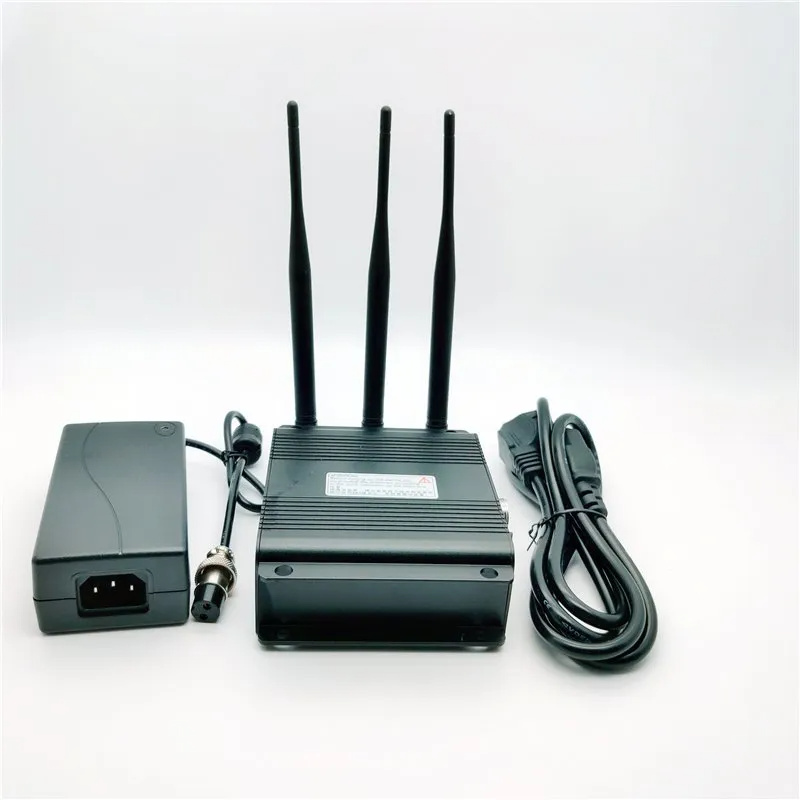
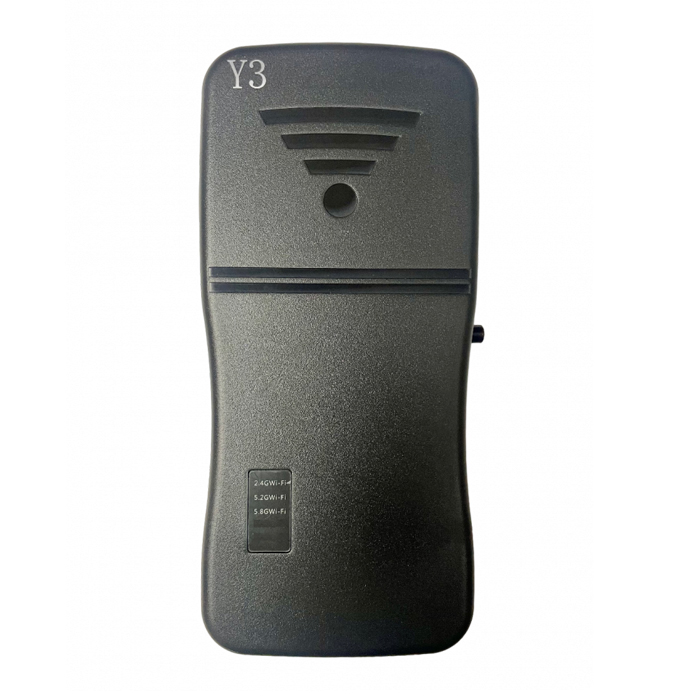
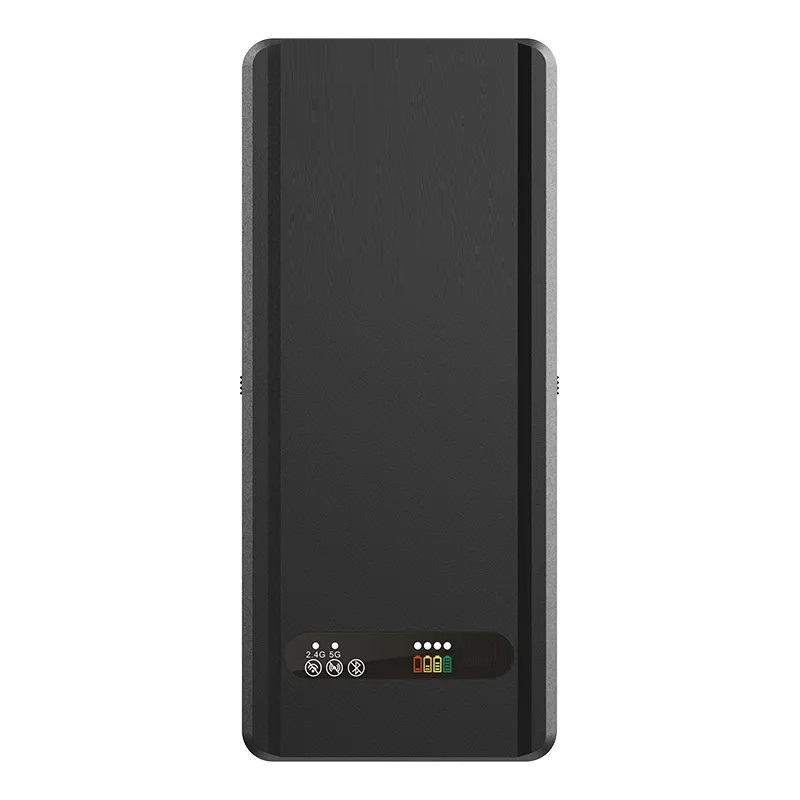
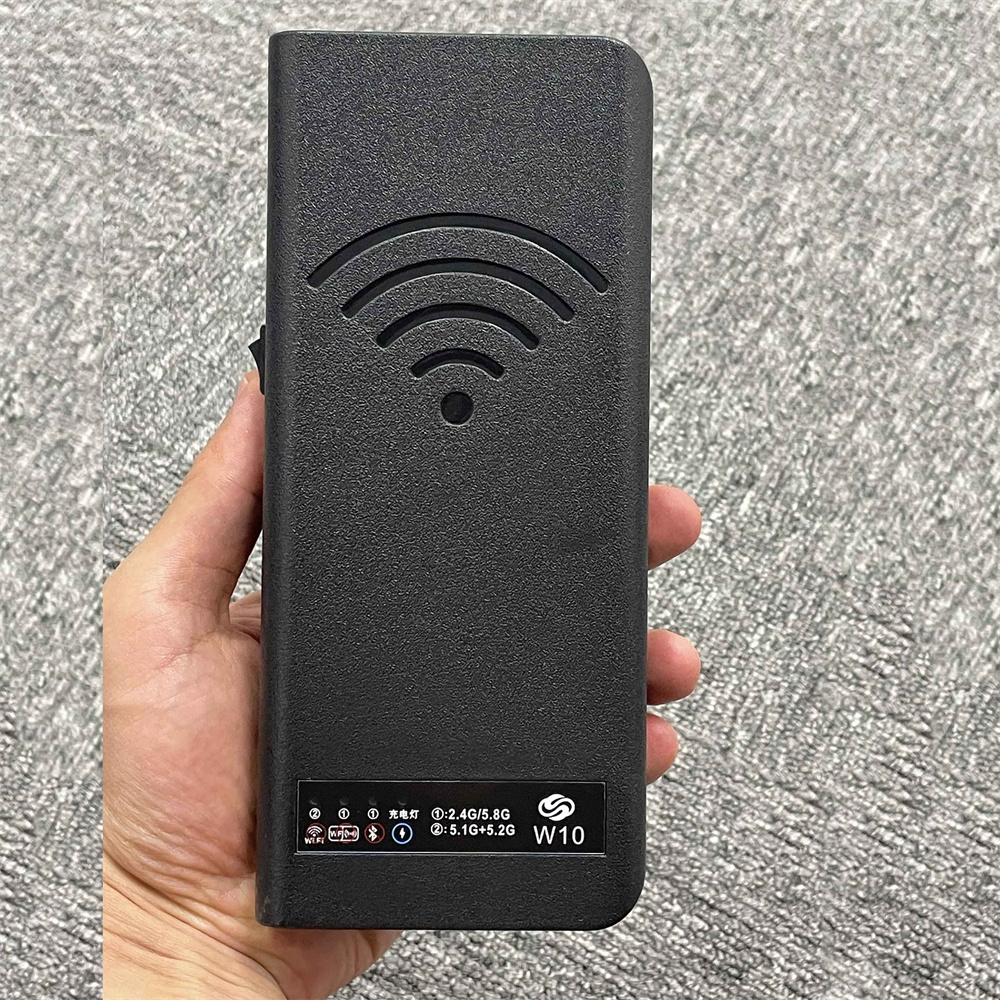
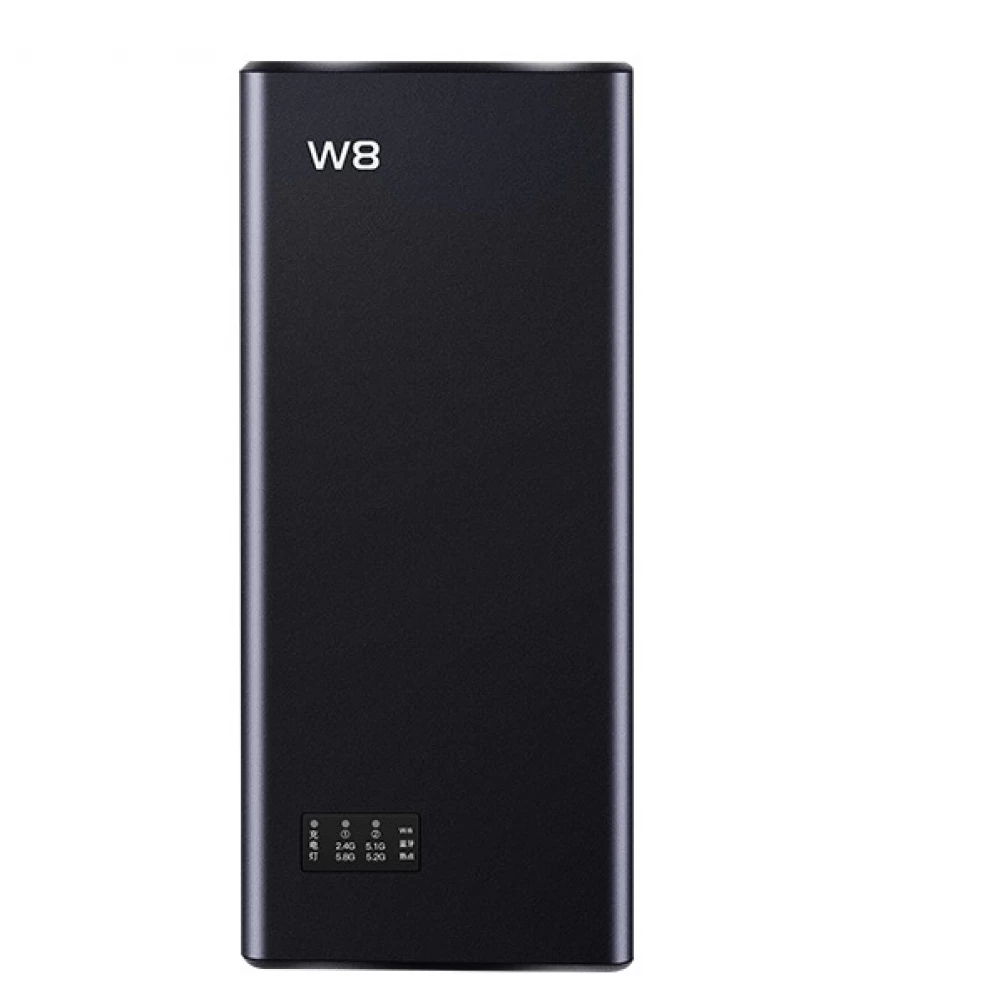
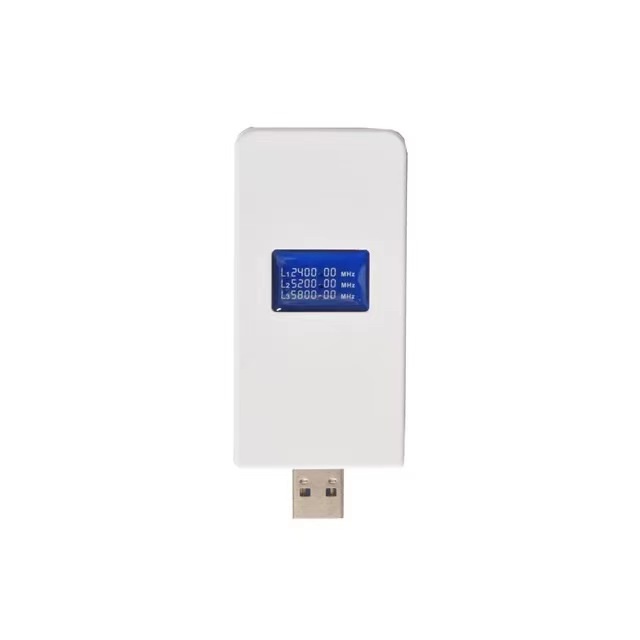
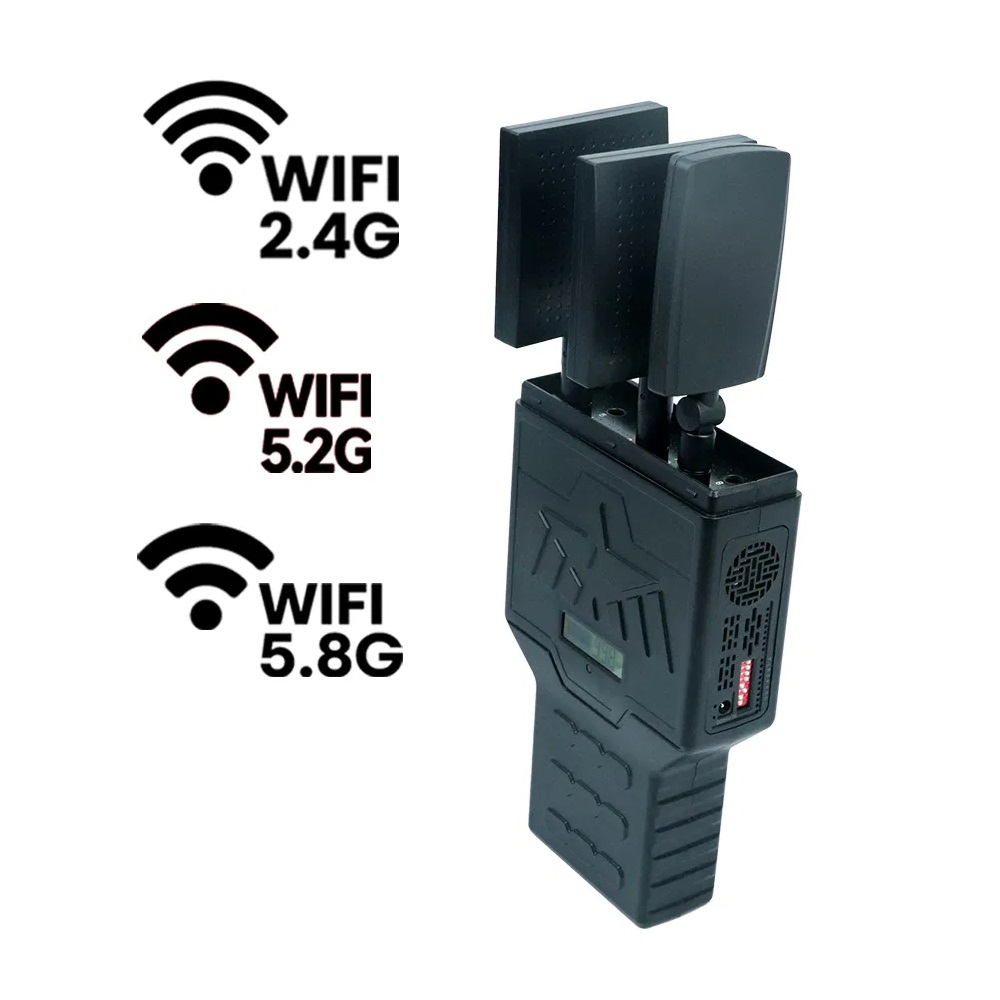
Parents concerned about children spending too much time on tablets, phones, and online games may look into Wi-Fi jammers as a way to interrupt wireless connectivity. Before comparing models, it helps to check the supported bands, including 2.4 GHz, 5.2 GHz, and 5.8 GHz where applicable, along with the stated operating range and power requirements.
One important detail is that a wireless network blocker cannot identify a child’s device or enforce screen-time limits on its own. In other words, once the WiFi blocker is switched on, it can interfere with wireless signals within its effective range, disrupting Wi-Fi connections and making it difficult for children to use tablets, mobile phones, and online games smoothly.
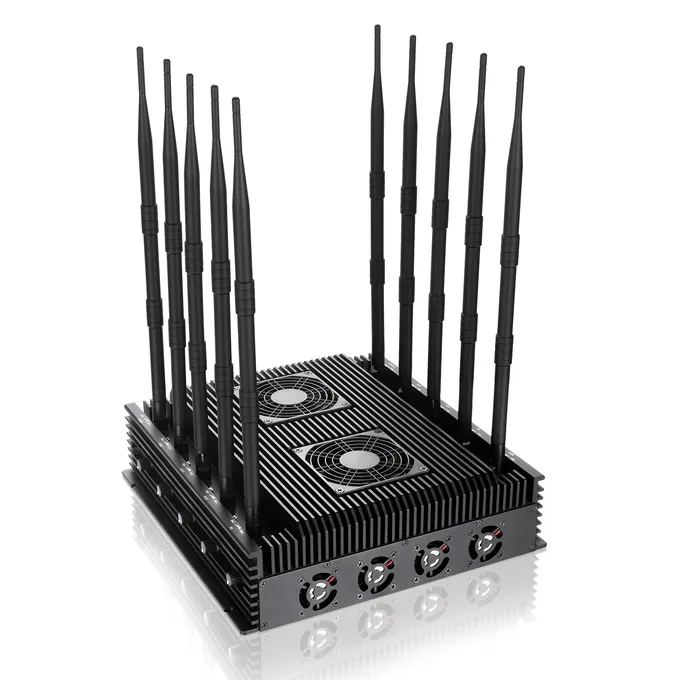
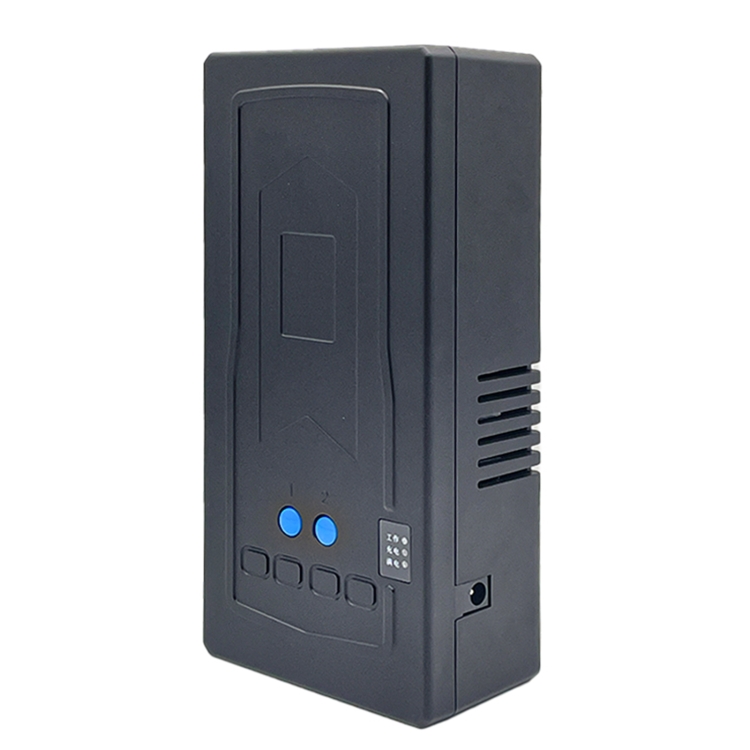
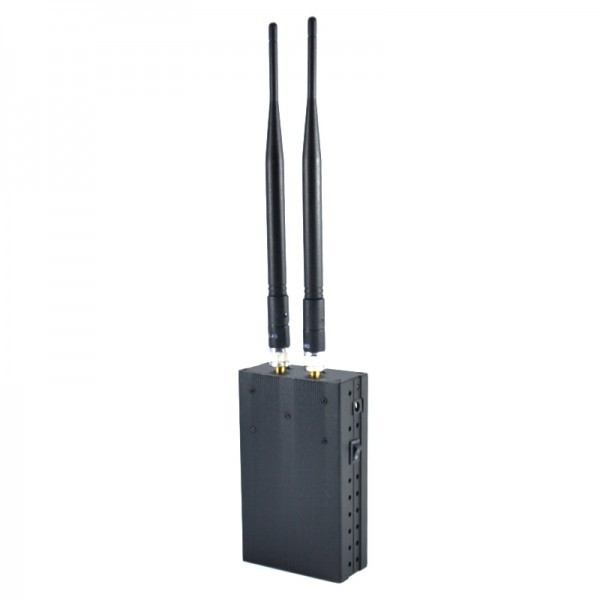
Not sure which Signal Jammer suits your needs?
On a limited budget and looking for the best option?
Need a Cell Jammer with a specific blocking range?
Looking to customize a special jammer Blocker?
I received the jammer, but I think it has a problem...
....
Don't hesitate to ask us, You will get the answer in the shortest possible time.
+1 (315)313-4081
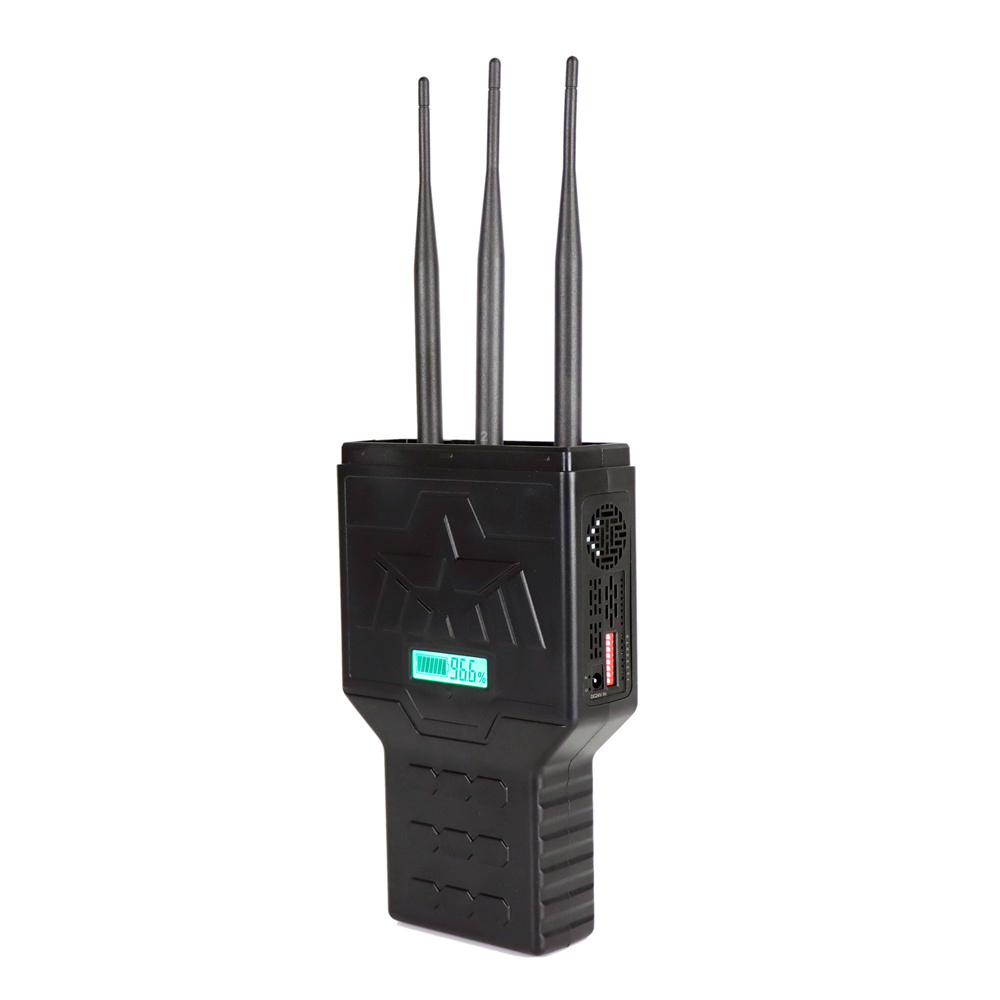
1.Please install the antenna before using the signal jammers
2.Most Portable cell phone jammers have dip switches on the side. After turning on the main power switch, activate the dip switch—the red or green light will indicate it's on. Each switch controls a specific signal (Refer to the frequency table on the packaging for details).
3.Avoid using the jammer while charging.
....