Jammer Deals | Affordable Picks | Free Shipping
Your privacy is our top concern! We offer dependable solutions to safeguard you from unauthorized monitoring, ensuring your confidentiality in any setting.
Jammer Deals | Affordable Picks | Free Shipping
Your privacy is our top concern! We offer dependable solutions to safeguard you from unauthorized monitoring, ensuring your confidentiality in any setting.
A security camera can look similar from the outside, but the way it sends video data determines how the system behaves.
A small indoor camera connected through WiFi and a commercial CCTV camera connected with Ethernet cable may both record video, yet they rely on completely different transmission methods.
This difference is the main reason why a WiFi jammer or other network blocker cannot affect a wired security camera system. The camera’s connection method, not the appearance of the device, decides what type of signal is involved.
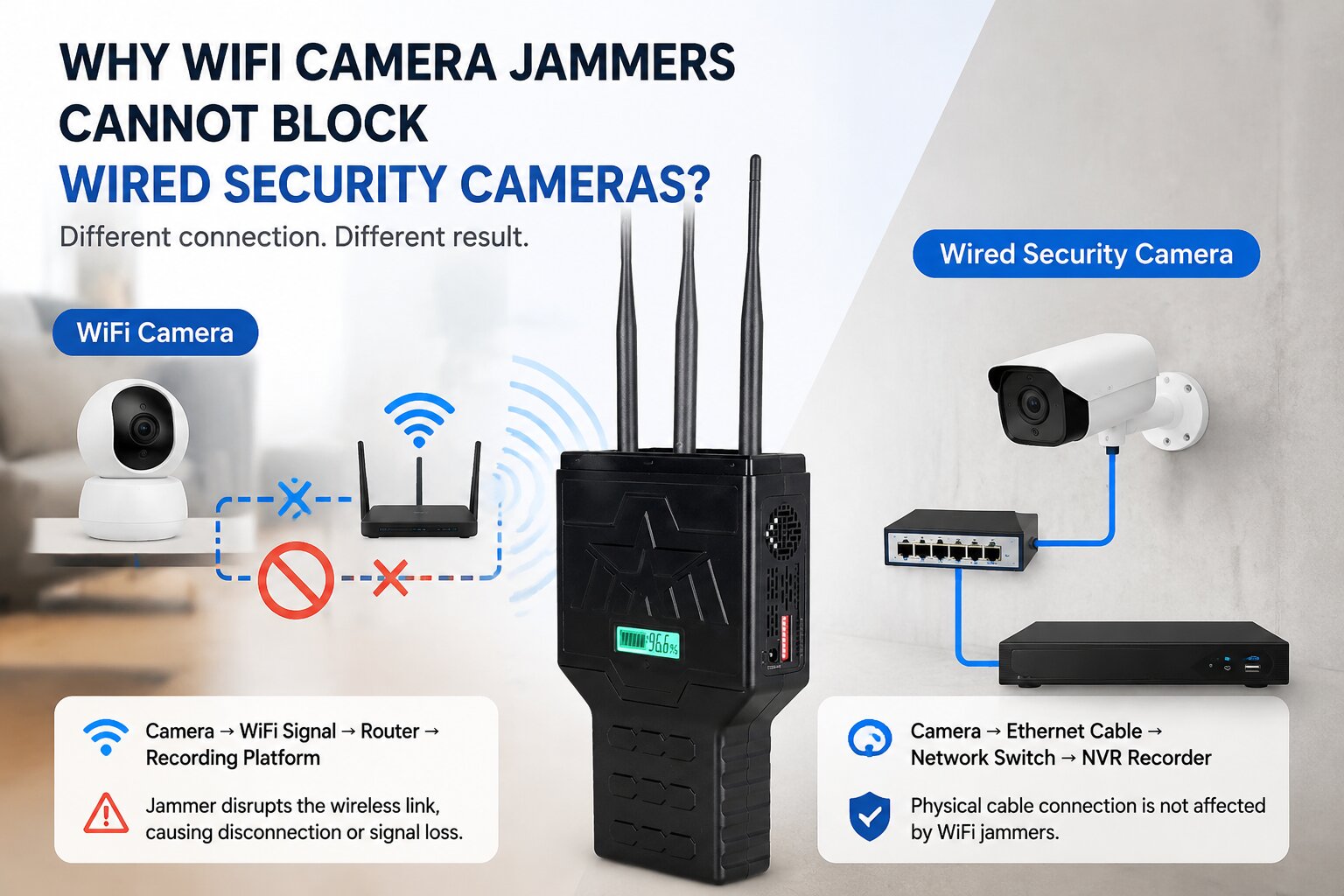
Most consumer WiFi cameras used in homes, apartments, and small offices communicate through wireless networks.
The camera sends video data through radio frequencies, usually connecting to a home router before reaching a phone app, cloud service, or local recorder.
A typical wireless camera setup works like this:
Camera → WiFi Signal → Router → Recording Platform
The camera depends on several wireless components:
| Component | Function |
|---|---|
| Camera WiFi module | Sends and receives wireless data |
| Router | Provides network access |
| Wireless frequency | Carries video transmission |
| Cloud or recorder | Stores footage |
When the wireless connection becomes unstable, the camera may experience delayed video, temporary disconnection, or reduced image quality.
For this reason, devices such as wireless signal jammers are typically associated with wireless communication environments, not cable-based systems.
Professional surveillance installations often use wired connections because they provide stable long-term performance in CCTV systems.
A typical wired system looks different:
Camera → Ethernet Cable → Network Switch → NVR Recorder
Instead of sending video through the air, the camera transfers information through a physical cable.
Common wired surveillance technologies include:
| Technology | Connection Method | Typical Application |
|---|---|---|
| PoE Camera | Ethernet cable | Offices, stores, warehouses |
| CCTV Camera | Coaxial cable | Traditional security systems |
| Fiber Camera | Fiber optic cable | Large facilities |
Since these systems do not rely on WiFi communication between the camera and recorder, wireless network conditions do not directly change how video data travels through the cable.
The important point is that a WiFi camera blocker.
For a WiFi camera, the communication link between the camera and router is a critical part of the system. If this wireless connection becomes unavailable, the camera may lose network access or fail to send video data.
A wired security camera does not depend on this wireless link. Its video transmission continues through the installed cable infrastructure.
The difference can be understood as follows:
| System Type | Main Communication Path | Connection Dependency |
|---|---|---|
| WiFi Camera | Radio connection to router | Wireless network |
| PoE Camera | Ethernet cable | Wired network |
| Traditional CCTV | Coaxial cable | Cable connection |
| Fiber Surveillance | Optical fiber | Fiber network |
The camera may have the same purpose — recording and monitoring — but the way data moves through the system determines what type of connection issues can occur.
A security camera’s appearance does not reveal how it communicates. Two cameras may look almost identical while using completely different methods to transfer video data.
A WiFi camera jamming device is related to wireless communication because it targets the connection path used by wireless devices. A wired security camera system follows a separate route through Ethernet, coaxial cable, or fiber infrastructure.